Hermes-Lite TRX
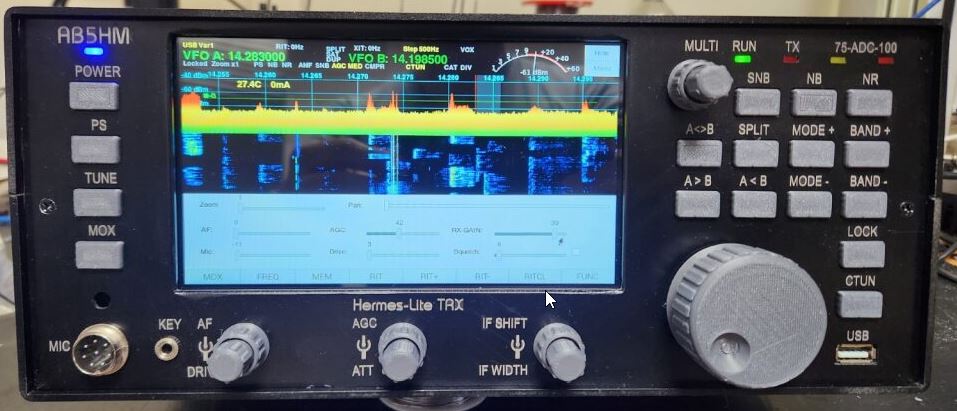
I had my Hermes-Lite for quite a while and i love it. It is incredible what that little SDR-TRX can do.
However, i always missed the real radio feeling without the presence of any hardware buttons. Also, if you just want
to have a quick peek what is going on on the bands, i always had to start up the computer, which i found annoying at times.
At one point i stumbled over the piHPSDR controller, which is based on a port of the PowerSDR software and a hardware extension using a RapberryPi. All documentation if this controller is available on GitHub.
I just didn't like the layout of the V2 Controller since it aimed to be a small compact remote controller.
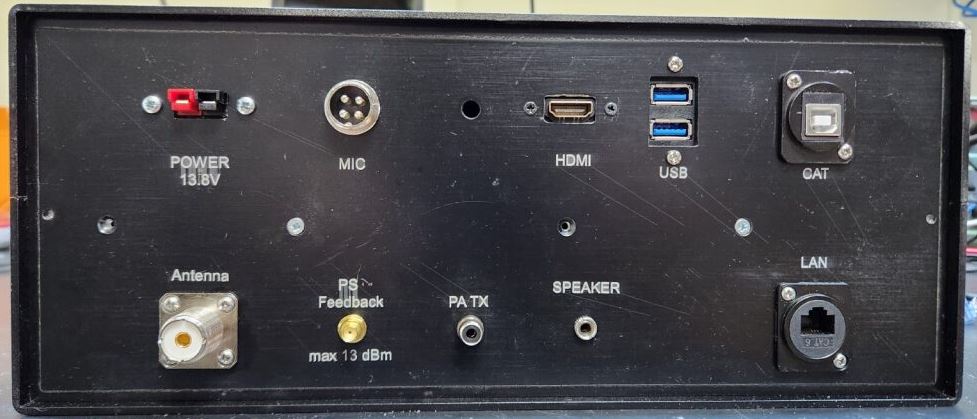
So i used this project as the base for my version of a standalone TRX and also added the LED's of the Hermes-Lite to it.
This is not a complete build instruction, but rather meant as an inspiration for your own ideas and designs.
Additions
I will not go through a detailed description of the controller part, since this info available to the public on github:
https://github.com/g0orx/pihpsdr
https://github.com/dl1ycf/pihpsdr
I added the following features:
Here the internal view. The Hermes-Lite SDR is located underneath the green prototype board.
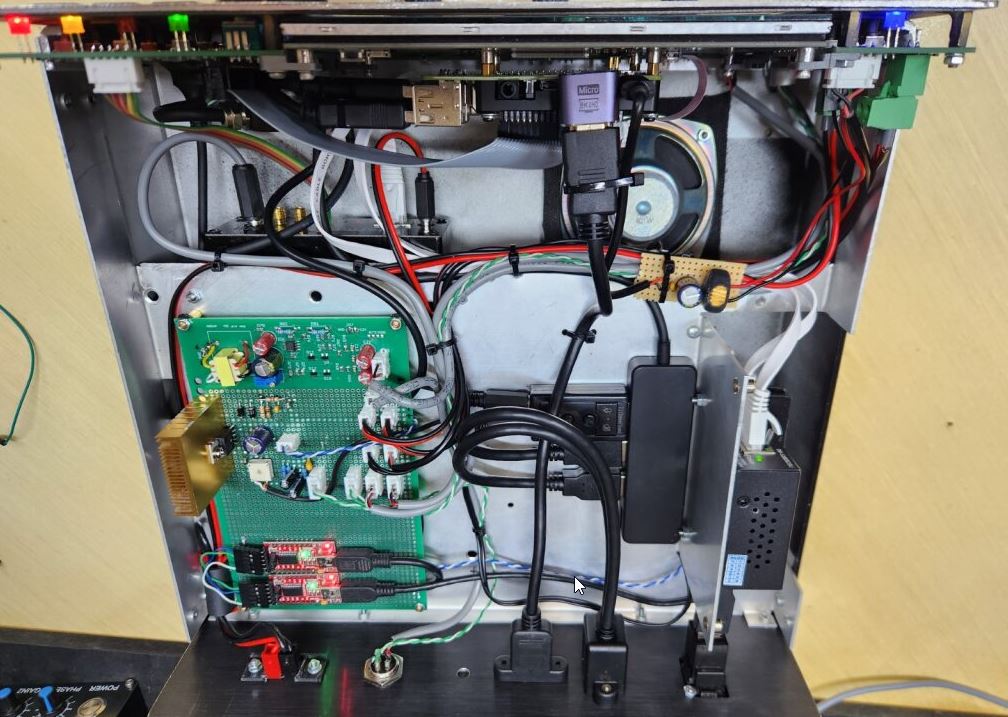
The prototype board
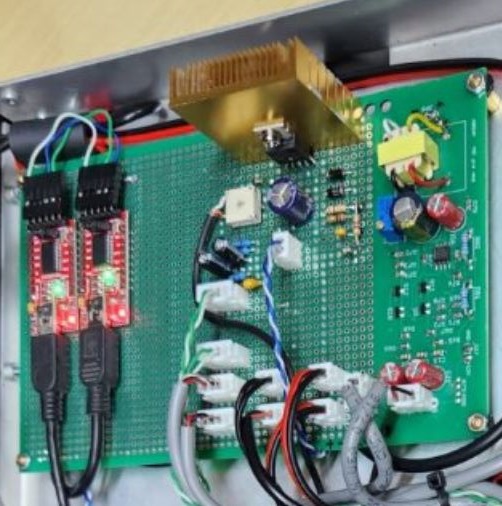
CAT interface:
There are two USB-TTL converts (from Amazon) to interconnect the RaspberryPI with the computer.
On the TTL level, TX and RX are swapped to create a USB-Serial port for both, the RaspberryPi and the computer.
If a regular serial interface is desired, a regular USB-Serial adapter can be used instead.
Audio amplifier:
I used a TDA2030 to build a simple audio amplifier to drive the internal loudspeaker. Any pre-build audio amplifier board can also be used.
Mic pre-amp:
I included a high quality, low noise, mic amplifier on the prototype board that can provide up to 50 dB gain.. This amplifier design is commonly used in professional audio gear. I ended up not using this amplifier, since the internal amplification of the USB sound card module was good enough.